BLCSmart BLC V5

Smart BLC V5 · Software catalog

Make every label right.

Inspection happens as you print: every label is photographed, compared and judged Pass or Fail on the spot. Smart BLC V5 is pure browser/server (B/S) software for label printing and inspection that links design, printing, inspection, alarms and traceability, all managed in a browser.

  1. Label design
  2. Printing
  3. 100% inspection
  4. Alarms & actions
  5. Traceability
  6. Central control

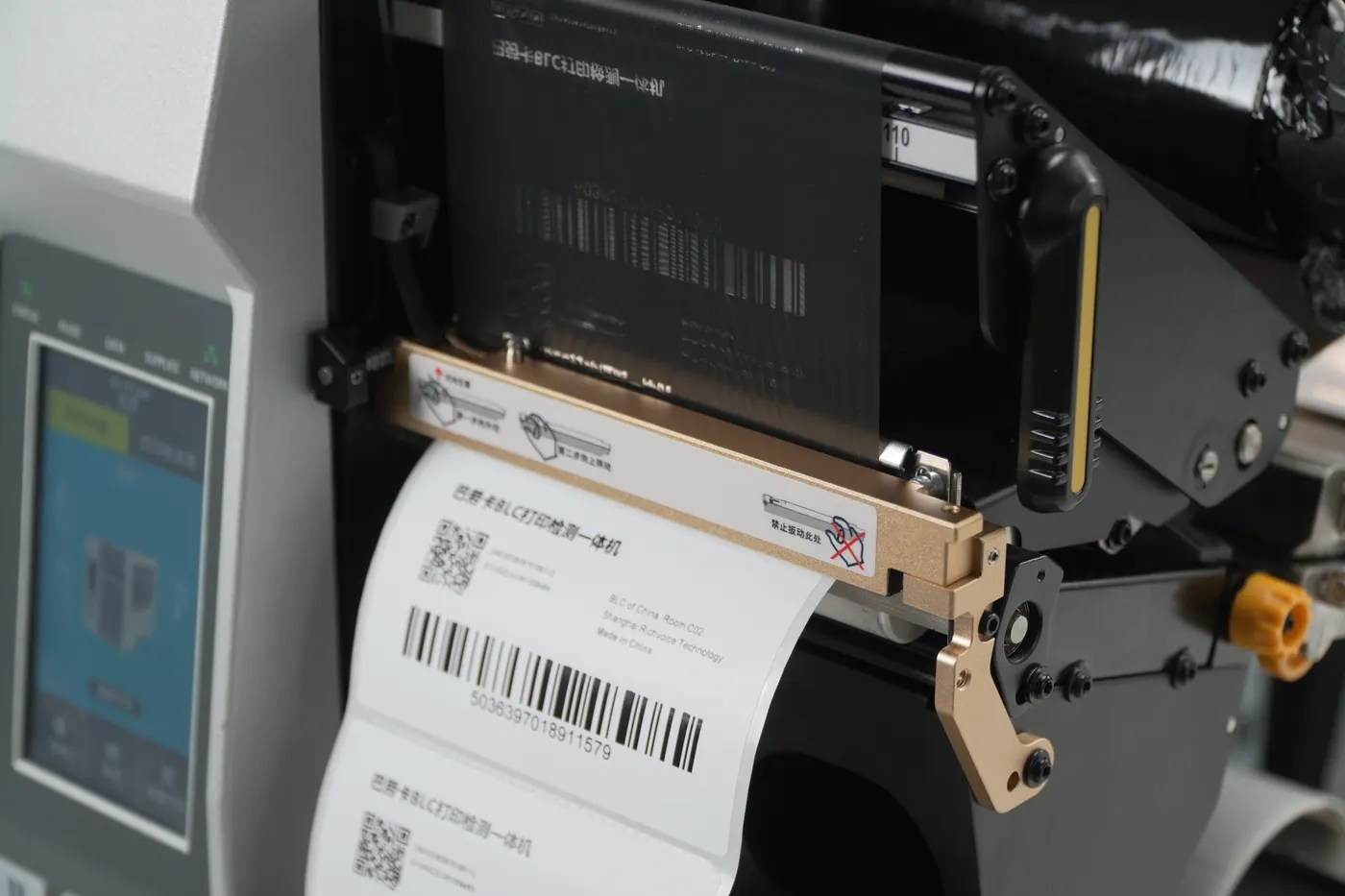
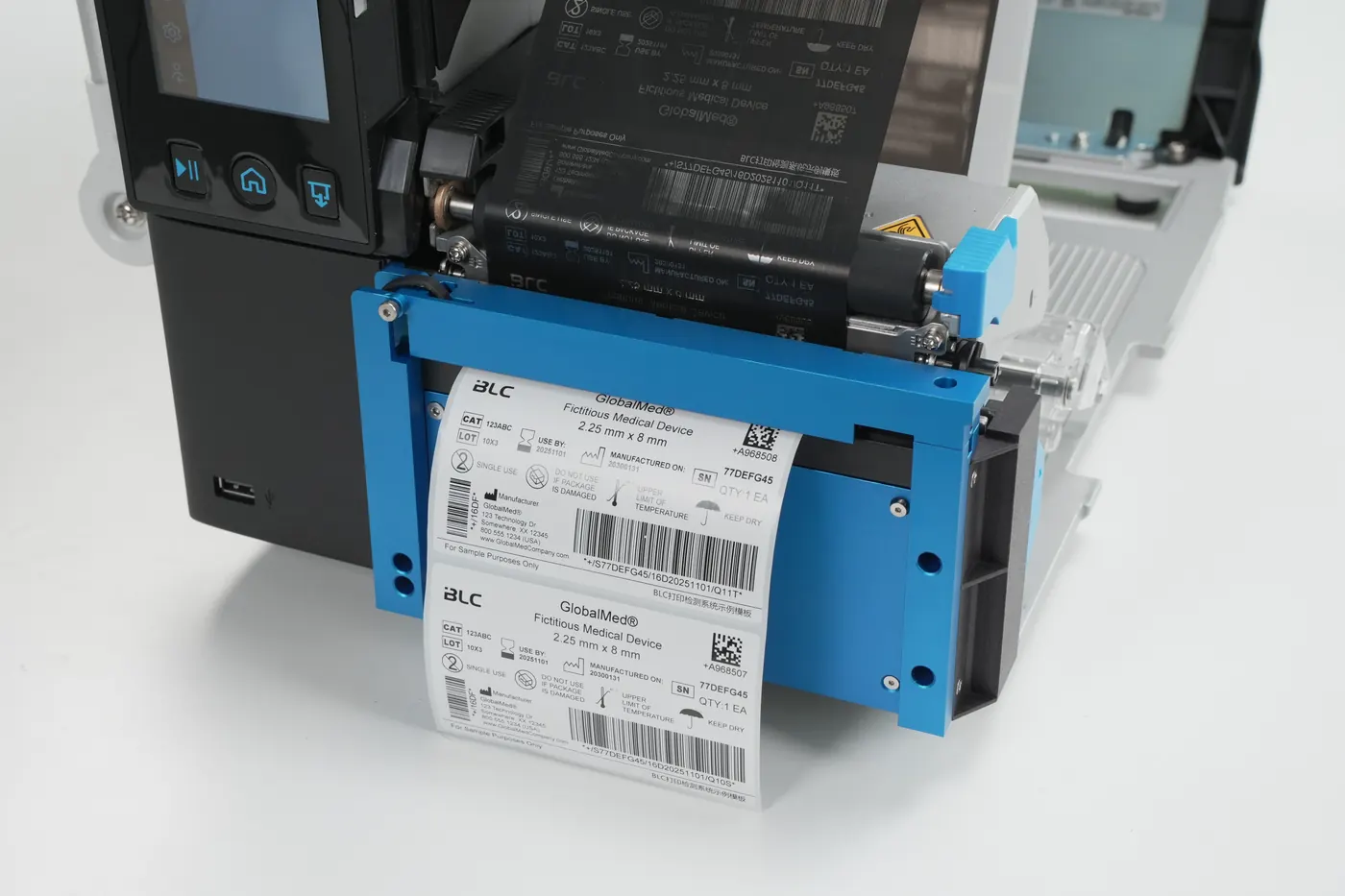
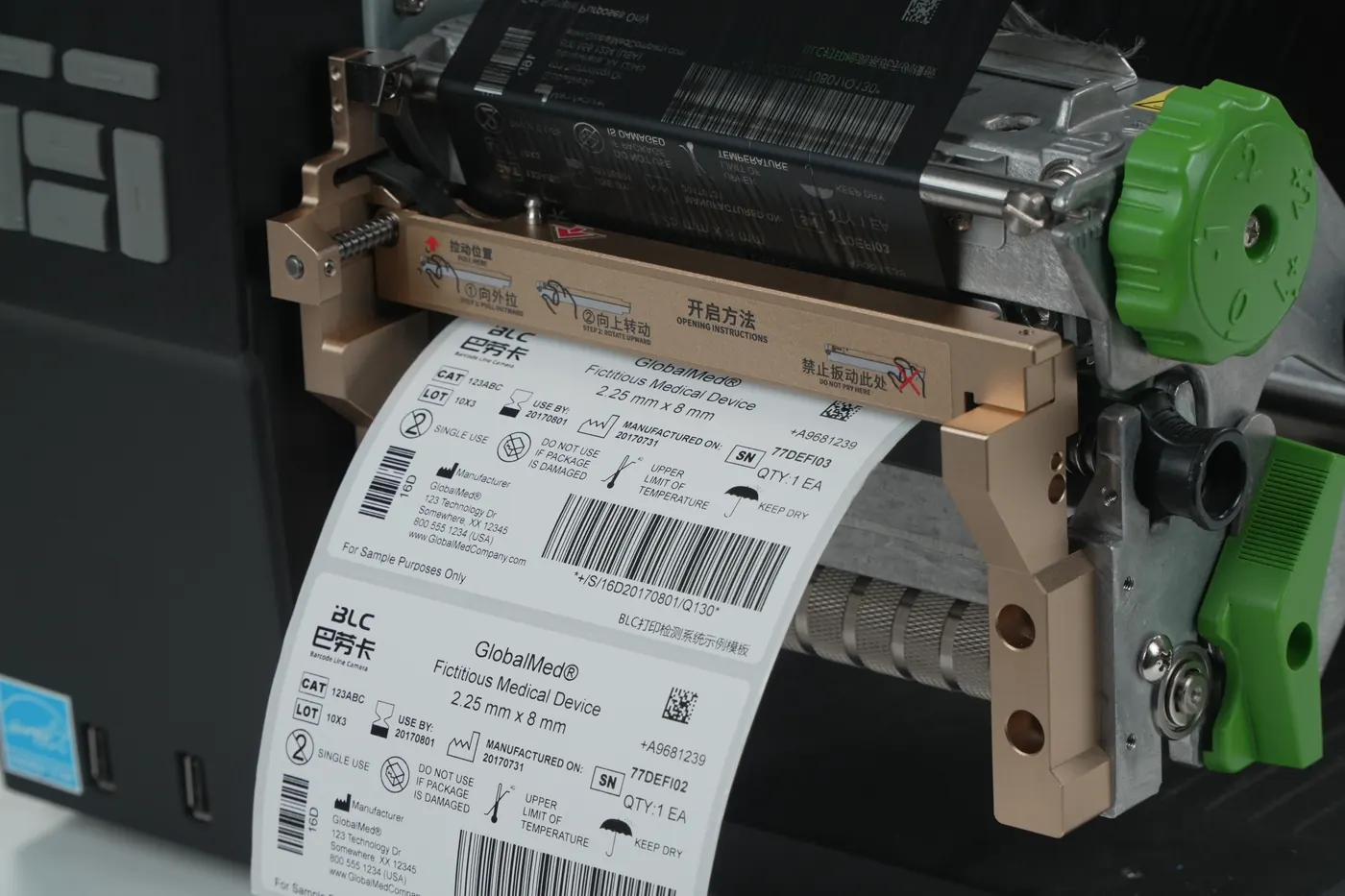
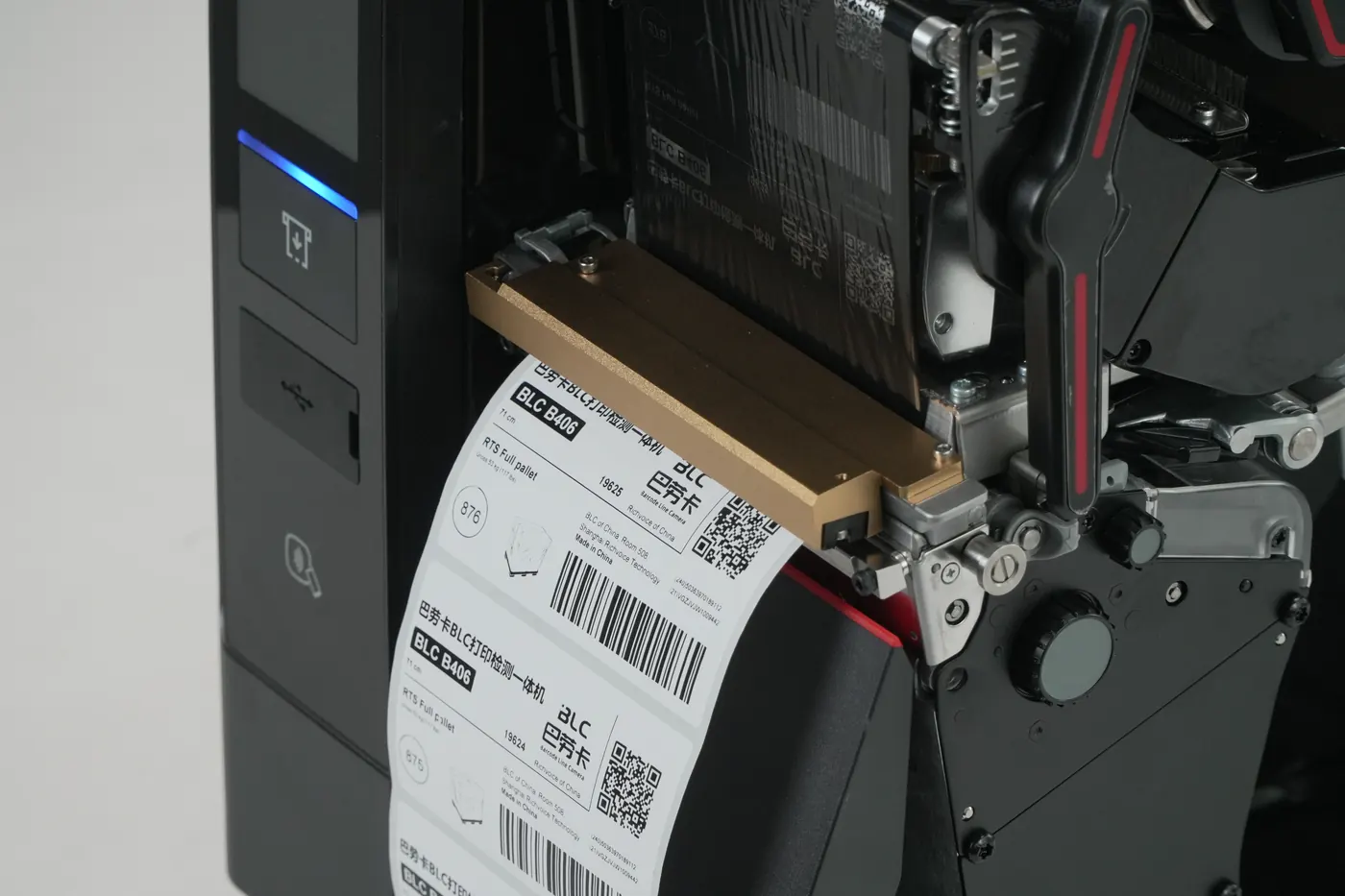
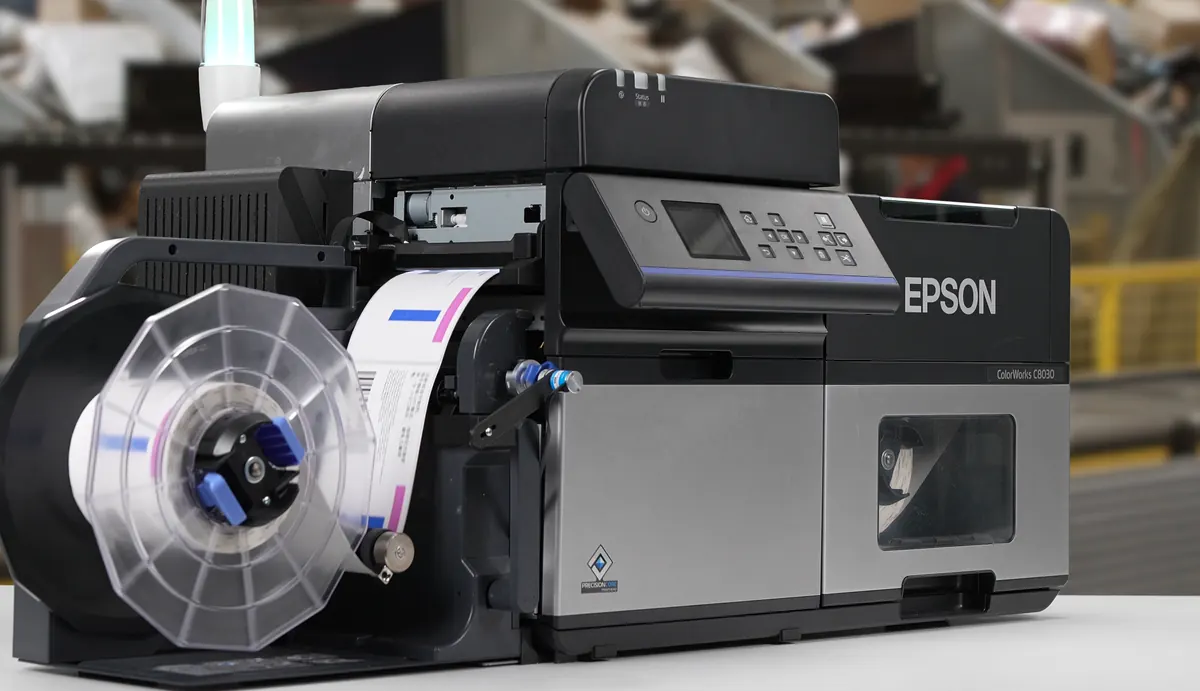
BLC inspection installed on Zebra, SATO, TSC, Honeywell and Epson printers (photos). Label inspection requires a BLC camera at the printer’s label exit; light tower optional.

Inspection 1/2 · Key advantages

Label inspection without the usual upheaval

Inspection used to mean templates, extra PCs, special firmware, software installs and training. Smart BLC V5 removes all five.

01

No templatesWorks closely with your label printing software

No inspection template for every label, version or batch of variable data.

Each printed label’s standard image is obtained through dedicated interfaces developed together with label printing software makers and printer manufacturers, and the camera image is compared with it label by label. Lot numbers, dates and serial numbers may change on every label; each is still checked against what it should be. New versions are inspected straight away, with no line stop to rebuild templates. Works with BLC Print and BarTender templates, and also with other printing software, customers’ own printing programs and even raw printer commands.
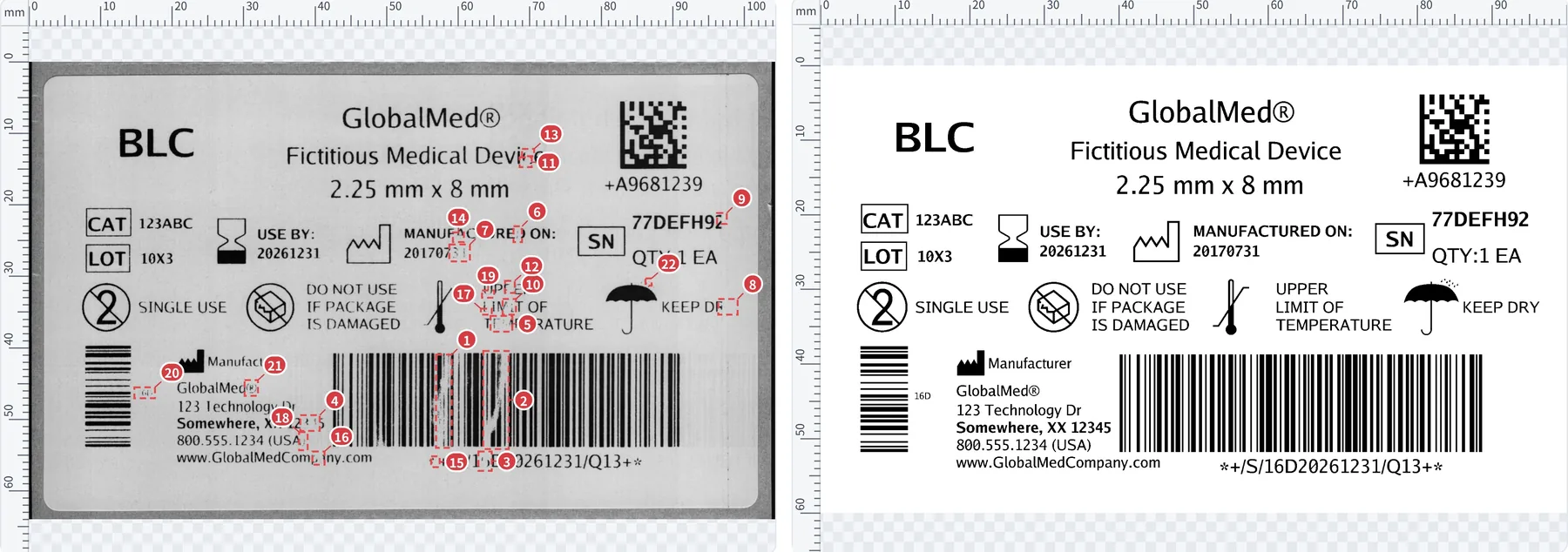
Result detail in Smart BLC V5: the camera image with numbered defects beside the standard image, record R0005-00001
Left: the camera image, each defect numbered. Right: this label’s standard image.

02

No PCEmbedded compute card in the V5 hardware

No extra industrial PC beside the line just for inspection.

An embedded compute card in the Smart BLC V5 hardware captures, compares and judges on the device itself, and the optional 7-inch touchscreen shows every result live. One PC fewer: one failure point fewer, one system less to maintain, more room at the workstation.

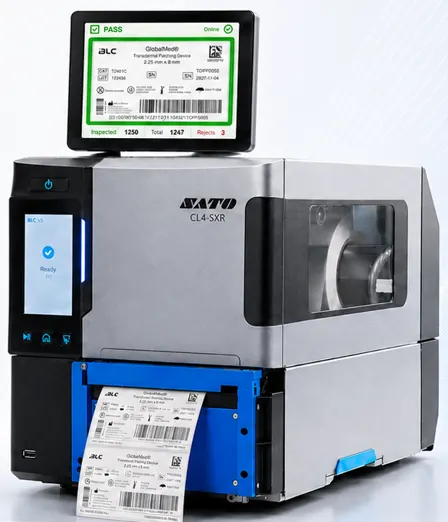
Smart BLC V5 7-inch touchscreen on a SATO CL4-SXR showing a passed label and the running counts
Optional 7-inch touchscreen on a SATO CL4-SXR: live results at the line

03

No special firmwareClose cooperation with printer makers

Printers keep their factory firmware; nothing to flash.

We work closely with printer makers and obtain what inspection needs through low-level interfaces they have opened to us. Existing printers start inspecting once connected; your printing software, workflow and habits stay the same, and your print data is not changed by a single byte.

Printing softwareunchangedPrinterfactory firmware ✓ no flashingSmart BLC V5every label inspected

Print data reaches the printer exactly as sent, byte for byte.

04

No installationPure B/S architecture

Nothing to install: open a browser and start.

Managers, quality staff and operators sign in from a browser on a PC, tablet or phone to see live inspection, records and reports. Updates are applied automatically, with nothing to install machine by machine. Interface in Chinese, English and Japanese.

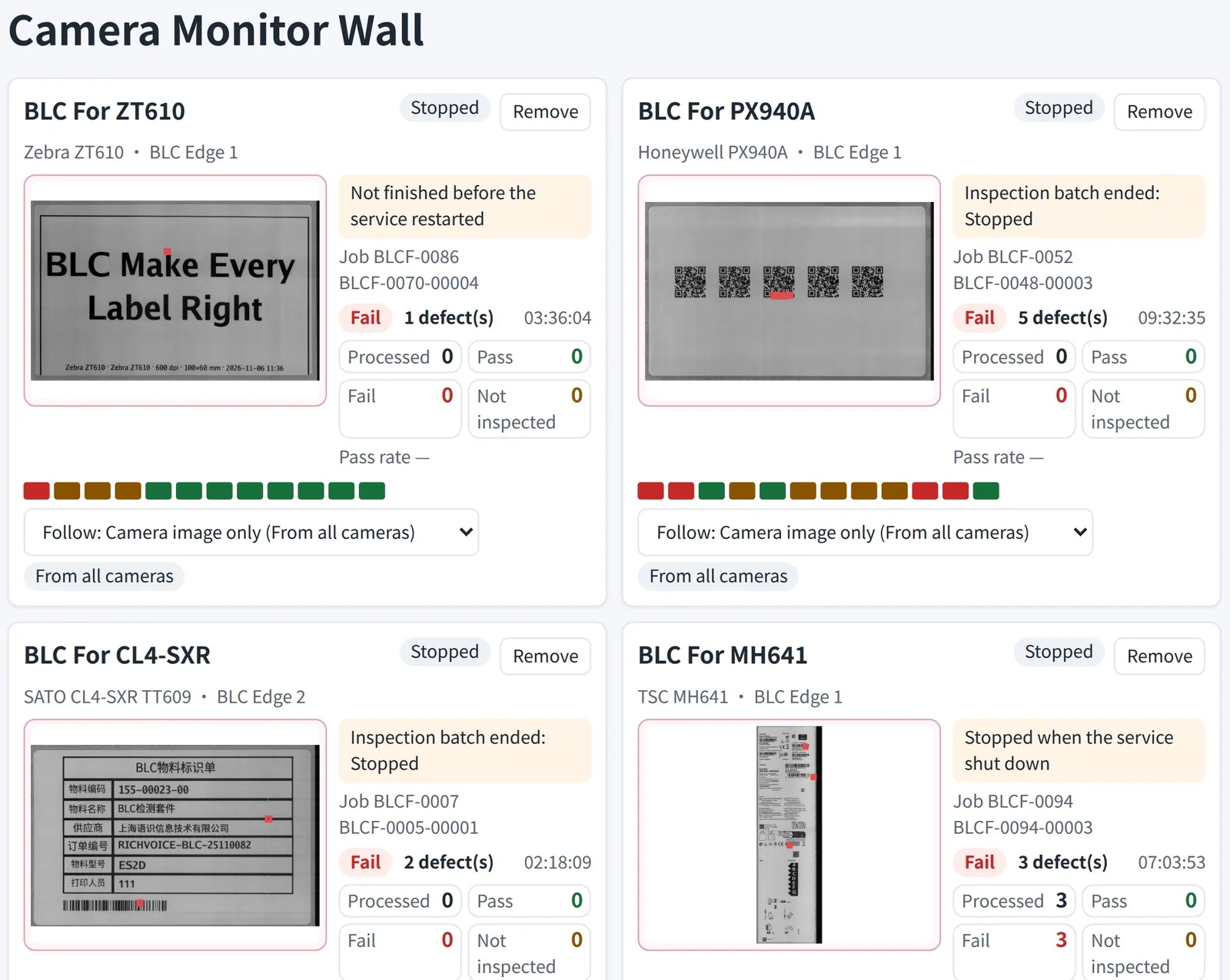
Camera Monitor Wall: live results from four printers, with Fail counts and the latest marked label
In the browser: the Camera Monitor Wall with live results from four printers

05

No trainingAsk Little B and a getting started guide

New staff get going without classroom training.

The getting started guide opens at first sign-in; its checklist leads you from connecting the device to your first inspection result. Ask the built-in assistant Ask Little B in your own words; each answer links to the matching help page. Online help in Chinese, English and Japanese.

Help is included in every edition; Ask Little B is part of the Enterprise edition.

  • Getting started checklist: Edge online, add a printer, register and calibrate the camera, prepare a label, print and inspect, see the result
  • Ask Little B answers in your own words, with a link to the help page
  • Help in Chinese, English and Japanese

Inspection 2/2 · Capabilities

Every label photographed, compared and kept on record

Not sampling but 100% inline inspection, label by label: where a defect is, how large it is and whether it is over the limit, all at a glance.

  1. Print as usualSame software, same workflow
  2. Capture each labelCamera at the label exit
  3. Compare & judgeDefects + code reading and data check
  4. Alarm & actFlashing screen, pause the printer
  5. Record & traceEvery image kept and reviewable
Result detail in Smart BLC V5: the camera image with numbered defects beside the standard image, record R0005-00001
Fail, 22 defects. 1–2: missing ink 7.40 mm and 5.02 mm, white streaks through the barcode. 3–22: thin strokes not printed, broken or missing character strokes. Type, measured value and how far over the limit, for every defect. Real inspection result on a fictitious medical device sample (record R0005-00001, SATO CL4-SXR).

Inspection reports

By batch, by condition or from selected records, one click builds an inspection report: pass rate and defect charts, typical failed samples, manual reviews and an editable conclusion, with your company logo in the header; export it as PDF for customers or audits.

Defect inspection

Missing characters, extra ink, blur, broken lines, streaks, print-head line faults, standard images that do not match, offset and skew: each defect is numbered on the camera image with its measured value and threshold. Strictness can be tuned per area and per camera.

Code reading and data check

1D and 2D code reading and character recognition, with the read content checked item by item against the print data; visible text vs. code check, GS1 structure parsing and list check. Data mismatch or unreadable also means Fail.

Alarms and actions

On a Fail the screen flashes until someone handles it (alarm light tower optional); the printer can pause automatically or reprint that label. Combined-condition alarms and same-spot repeat alarms stop a run of bad labels early.

Records and review

Every label keeps its camera image and inspection record, found again by job no., label, batch, camera or verdict. Manual reviews are kept and every step goes into the audit log.

Central monitoring

The Camera Monitor Wall shows live inspection from several cameras at once; the dashboard counts Pass and Fail labels per line. Offline Inspection and Simulation Inspection help you tune settings before going live.

In detail: 14 defect types, barcodes, OCR and OCV

Print defects: 14 types

missing ink, extra ink, broken stroke, bridge, snowflaking, drag line, printhead white line, missing element, standard image does not match, offset, skew, film glare, unreadable, data mismatch. Thresholds: strict 0.2, medium 0.3, loose 0.6 mm; custom 0.04–100 mm. Smallest defect about 0.08 mm at 1200 dpi capture, about 0.16 mm at 600 dpi.

Barcodes: read, check, grade

CapabilityWhat it doesAvailability
ReadingDecodes every 1D and 2D code on every label (all standard symbologies). A code that cannot be read fails the label.All editions
Data checkCompares the decoded data with the print data for that label and with the visible text; GS1 parsing; list check up to 20 per template (Luhn, IMEI).Professional and above
GradingISO/IEC 15416 (1D) and ISO/IEC 15415 (2D) grades as reference results.Reference on the standard model; certified model optional

Text: OCR, OCV and character defects

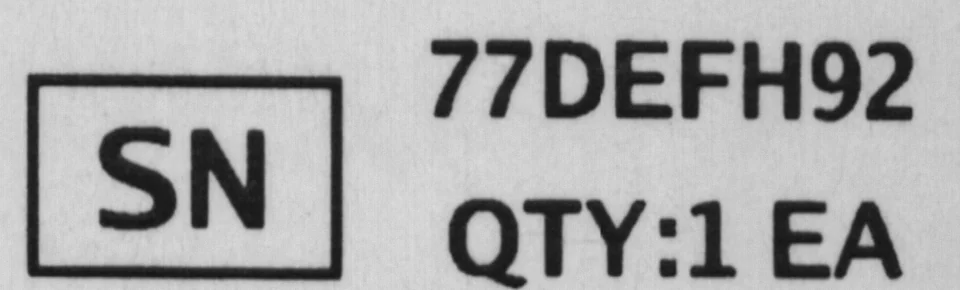
Serial number 77DEFH92 on a label that passed

OCR: read the text

The characters in the image are read: 77DEFH92.

Serial number compared with the data sent

OCV: check the text

What was read is compared with what was sent for this label and with the 2D code: 77DEFH92 = 77DEFH92. A wrong or missing character fails the label.

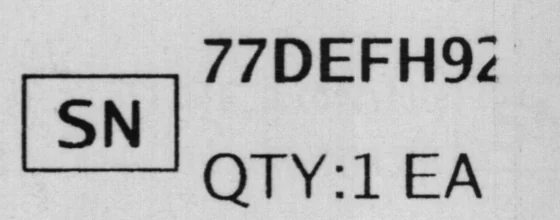
Serial number with part of the 2 missing, flagged as a broken stroke

Character defects: damaged strokes

Part of the “2” did not print (0.87 mm, record R0005-00001): the text still reads 77DEFH92, but the label fails.

Capture resolution and the smallest detectable defect depend on the camera model and print resolution. The Fail signal comes after the label has passed the camera and been inspected, so it suits alarms and pausing the printer; labels already printed with a Fail are handled by staff.

Platform · three deployments and data sync

Combined as you need, linked tier by tier

From one device to central control of many plants: all three share the same menus and operation. Use one on its own or link them into one network, with data sync you can switch on or off at any time.

Public cloud

No server of your own; use it wherever there is internet

  • Ready once your workspace opens; we run the servers
  • Devices and accounts of all plants and sites in one place
  • Own workspace per company, data kept apart

LAN

Data must stay in the plant, or production must go on offline

  • Runs on one server in your network
  • Keeps printing and inspecting when the internet is down
  • Manages the devices and accounts of your network

Standalone

Start with a single device, right at the line

  • Use it on the device’s 7-inch touchscreen
  • Or a browser on any PC in the network
  • Runs on its own, no server or internet

Network architecture

Public cloudWorkspace · HQ
LAN serverPlant A
StandaloneLine 1StandaloneLine 2StandaloneLine 3
LAN serverPlant B
StandaloneLine 1StandaloneLine 2StandaloneLine 3
StandaloneDirect link

The public cloud over LAN servers, LAN servers over standalone devices; or a standalone device straight to the cloud. Every sync link can be switched on or off on its own.

Without the public cloud

M · Master LAN serveracts as the workspace

Choose one LAN server as the master LAN server; the other LAN servers join it, and it holds the device directory, accounts and permissions for all.

  • Two-way sync Templates, printers, accounts and permissions, inspection records and camera images sync both ways between tiers; the device directory looks the same everywhere.
  • On or off at any time Each sync link can be switched on or off on its own; off pauses business data only, and printing and inspection carry on.
  • Catches up by itself Once back on, everything from the pause catches up automatically, with no manual import or export.

Features of each edition and the number of devices depend on your solution and license. Four editions →

Modules · one platform

Beyond inspection: printing and management in one place

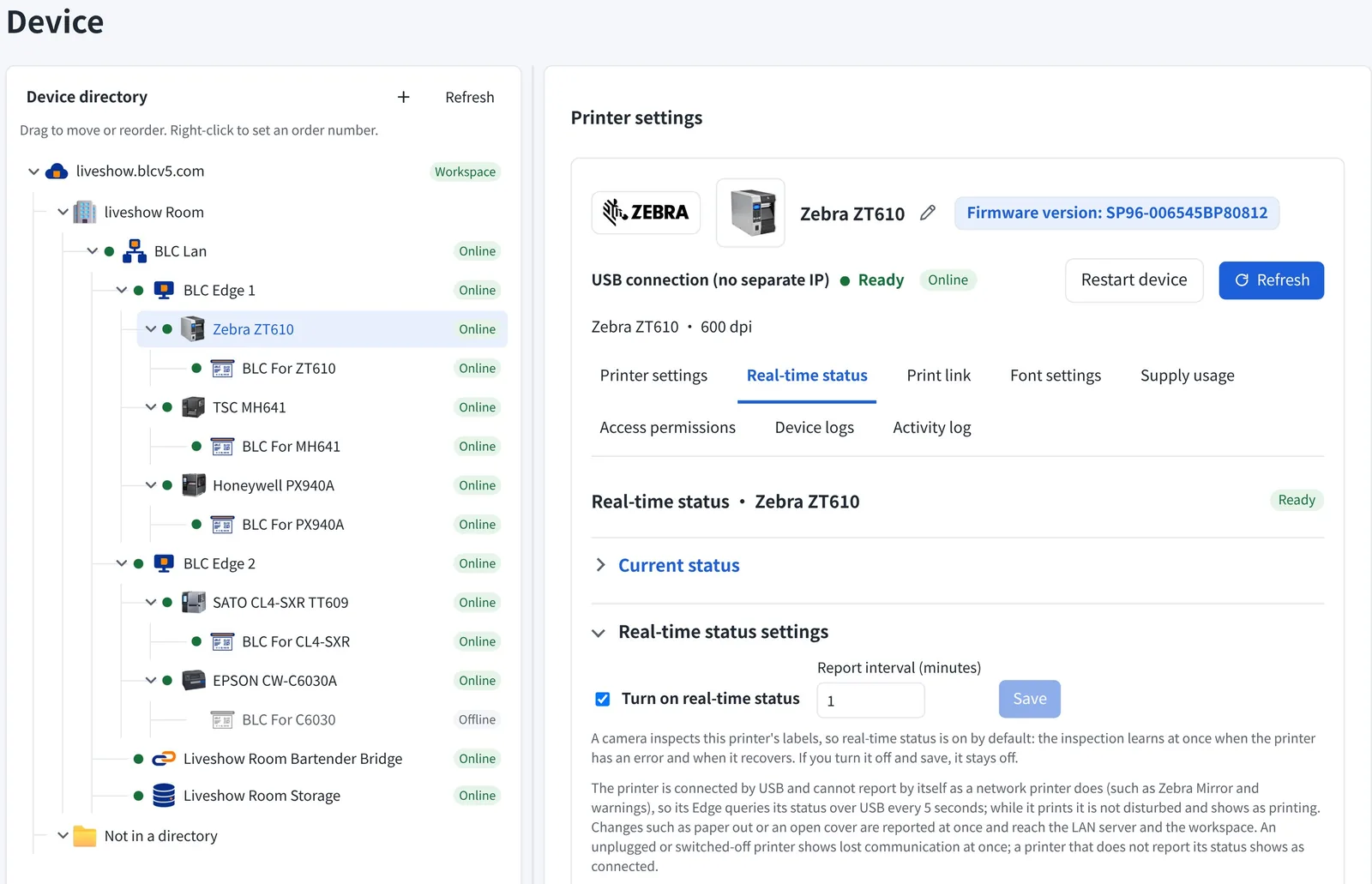
Device, Print, Link, Supplies, Assist, Surveillance… all in the same browser interface, licensed as you need them.

Device directory tree with a Zebra ZT610's settings and real-time status

Modules are licensed separately; features depend on your solution and license. Surveillance is available in the public cloud and LAN deployments. BarTender is a trademark of its owner.

Industries · four key applications

Four industries that know what one wrong label costs

Labels carry lot numbers, expiry dates, traceability codes and safety data. Here one wrong label can mean a recall, a line stop or a claim.

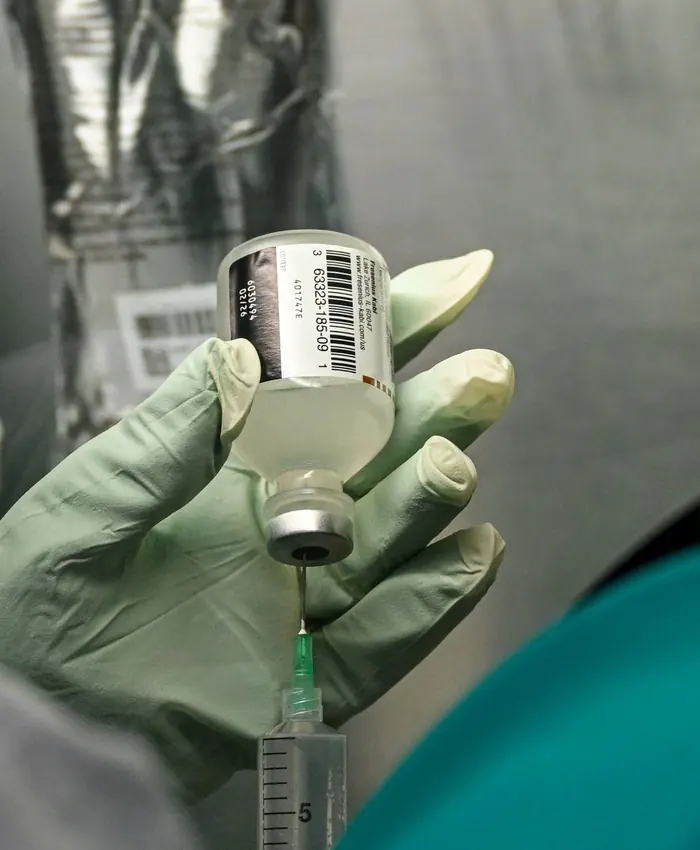
Vial in a pharmacy

Pharma & medical devices

One wrong lot number, expiry date or UDI code can recall a batch.

The challenge

  • Content changes every batch; sampling cannot cover it
  • Audits expect every label to be traceable

How Smart BLC V5 helps

  • 100% inspection; 2D codes read and checked against print data
  • Image and record per label; reports per batch

21 CFR Part 11 Supports FDA 21 CFR Part 11: complete, tamper-evident audit trail, unique accounts with access control, and electronic signatures.

BLC case studies (English): Vathin Medical

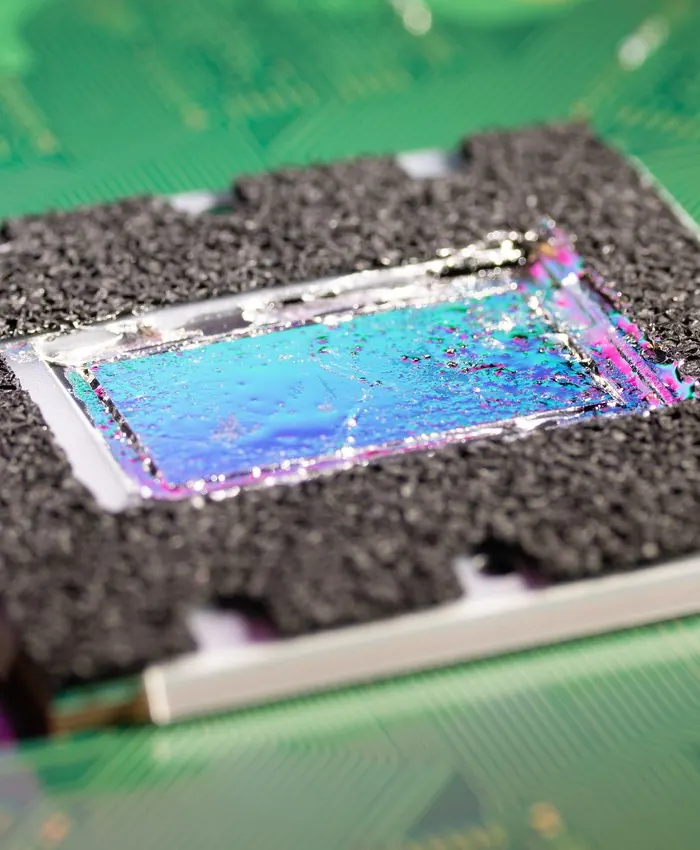
Processor die on a circuit board

Semiconductors & electronics

Small labels, dense codes; one wrong label is a wrong reel.

The challenge

  • The label is part of the product: a flawed label is a flawed product, and customers who see one think much less of the brand
  • Dense reel and tray labels; small defects escape the eye
  • Frequent changeovers leave no time to prepare

How Smart BLC V5 helps

  • Every label checked for defects; flawed labels never reach the customer
  • 1200 dpi capture for small codes and fine text
  • No templates after changeovers; data checked against production

BLC case studies (English): Foxconn, GemTek

Car body line in an automotive plant

Automotive parts

Zero defects; one wrong label can return a shipment.

The challenge

  • Every carmaker has its own format, in large volumes
  • A complaint needs proof of that exact label

How Smart BLC V5 helps

  • Each label checked against its own standard image, with no template per format
  • Any label’s image and record in seconds, by job or label number

BLC case studies (English): Bosch, BYD

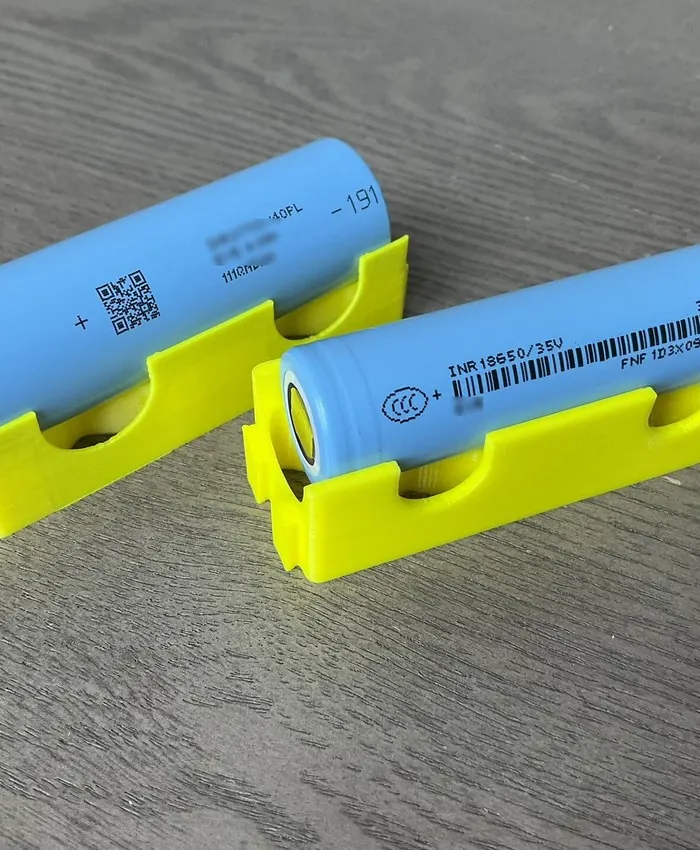
Lithium-ion battery cells

Batteries & new energy

Codes follow a battery for life; no room for bad runs.

The challenge

  • Cell, module and pack codes must read and be exact
  • Continuous printing: one print-head fault hits many labels

How Smart BLC V5 helps

  • Line faults and streaks alarm at once and can pause the printer
  • Same-spot repeat alarms stop a bad run early

BLC case studies (English): BYD, JinkoSolar

Typical applications, not specific customer cases; results depend on label content, camera and printing conditions. Industry photos are public domain or CC0. 21 CFR Part 11 features depend on the version you run.

Is Smart BLC V5 right for your line?

Contact us for a software demo, sample label inspection or a solution proposal.

Request a Demo