See every label detail
Check barcode readability and duplicate data. Add OCR/OCV, pattern matching, field validation and print position inspection with the appropriate edition.
Barcodes · Text · Patterns
 Smart BLC V5中文
SMART BLC V5 · NEXT-GENERATION LABEL INSPECTION
Intelligent inspection. Connected operations.
Connect every step of label inspection, from the print station to the enterprise cloud.
Smarter inspection. Simpler management.
01 / PRODUCT
Connect devices, templates and inspection records through a browser-based architecture.
Start with a single station. Expand to coordinated multi-site operations.
Check barcode readability and duplicate data. Add OCR/OCV, pattern matching, field validation and print position inspection with the appropriate edition.
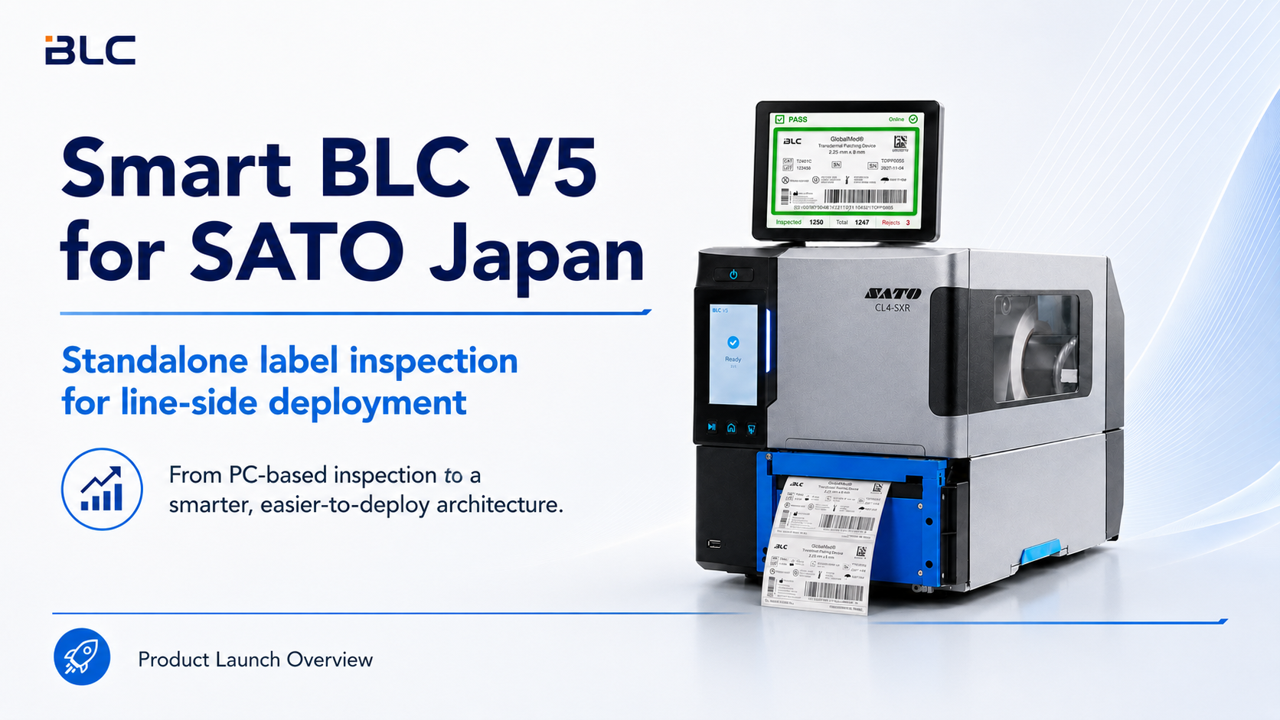
Run inspection and cache results on the Edge, then synchronize data to the server. Connect automated production through MES interfaces and PLC integration.
Manage inspection templates and devices centrally and query records in one place. Enterprise adds multi-site management, shared templates and centralized audit logs.
Templates reside on the server. V5 Edge caches inspection results in real time and synchronizes them automatically.
02 / APPLICATIONS
From a central print room to individual line-side stations.
Choose inspection that fits the pace of your operation.
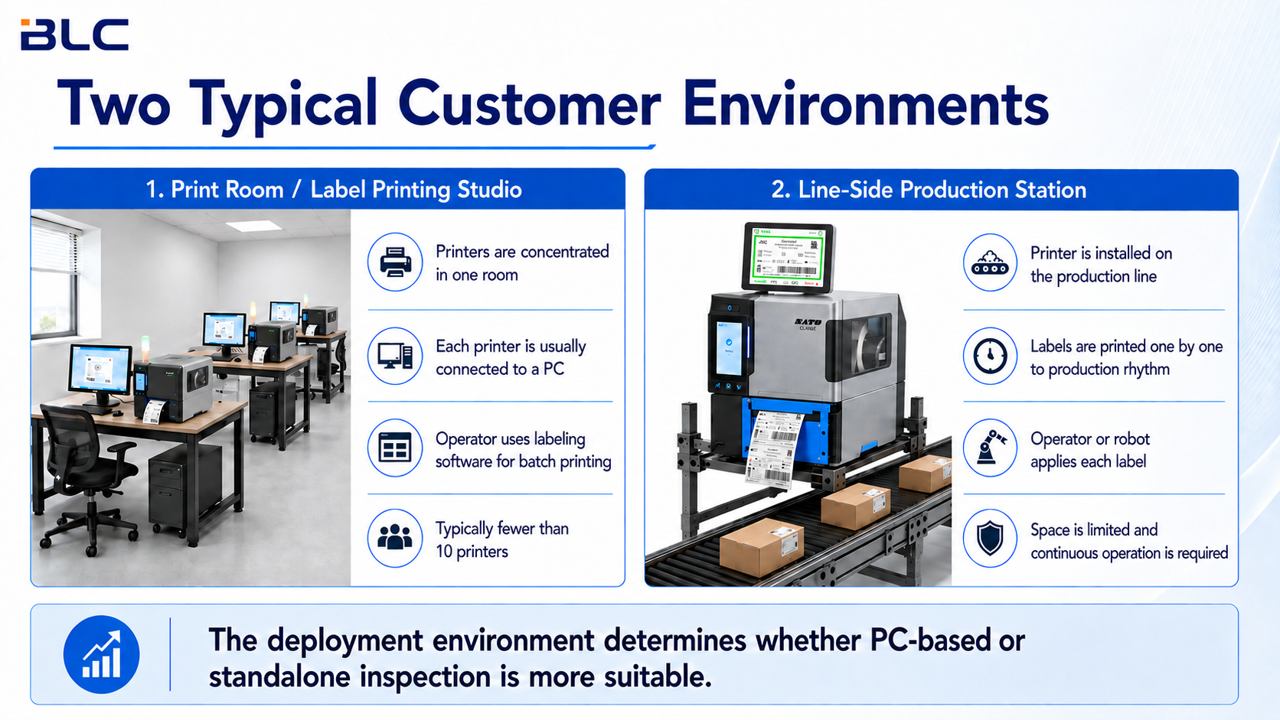
Manage templates and inspection tasks across multiple printers for manual batch printing, maintaining consistent label quality requirements.
Batch printingMulti-user managementInspect labels one by one at production speed. Smart BLC V5 supports standalone deployment, reduces reliance on on-site PCs and connects to MES and automation equipment.
Standalone Edge operationAutomation integration03 / EDITIONS
Essential inspection
Core inspection for a single printer.
Professional inspection
For print rooms and manual batch operations.
Automated inspection
For MES-connected, unattended production lines.
Enterprise management
For multi-site data and access governance.
Higher editions include lower-edition features. Availability depends on licensing, hardware and integration requirements. Barcode grading is for reference only. RFID, color inspection and certain reprint features require compatible hardware or additional licenses. See the full feature matrix for details.
04 / SMART BLC CLOUD
One public cloud gateway connects companies to their own business workspaces.
Tell us what you need, complete provisioning and start managing your label inspection operations.
Provide company details, a contact and your preferred software edition.
Agree on deployment, device scale and workspace activation requirements.
After approval and license validation, your independent BLC instance, domain and HTTPS are activated, and login details are emailed to you.
GOOD TO KNOW
You receive a tracking code after applying. An administrator prepares an independent instance, provides a matching license and approves the application. After validation, the system configures your domain and HTTPS and emails login details. Each company uses its own instance and database.
Smart BLC V5 supports all three deployment models. Public cloud provides a shared gateway to activated company workspaces. On-premises and private cloud deployments can meet your network, data management and operational requirements. We confirm the appropriate approach after your request.
BLC V5 software supports both BLC V3 and Smart BLC V5 hardware systems. Brackets and CIS sensors must be from matching generations. Include your current configuration in your request so compatibility can be confirmed.
A workspace is an access point to the service. Inspection features depend on your purchased edition, license and hardware configuration. Requesting a workspace does not automatically grant every feature or license your inspection devices.